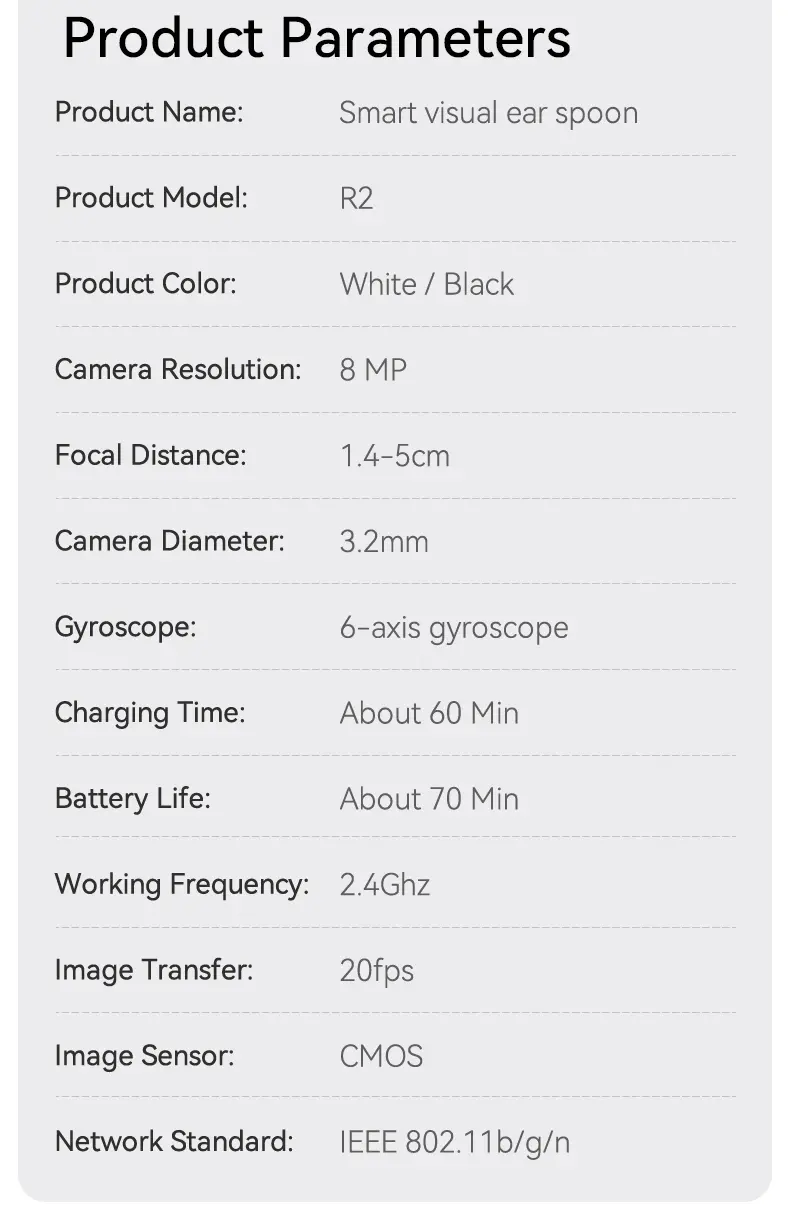
Can't See Inside Your Ear Clearly? Get a Closer Look with This 1080P HD Ear Camera Cleaner!
Family Bundle - WiFi + Direct Plug-In
$46.99
Sale price
$46.99
Regular price
$59.99
Skip to product information


Can't See Inside Your Ear Clearly? Get a Closer Look with This 1080P HD Ear Camera Cleaner!
$46.99
Sale price
$46.99
Regular price
$59.99
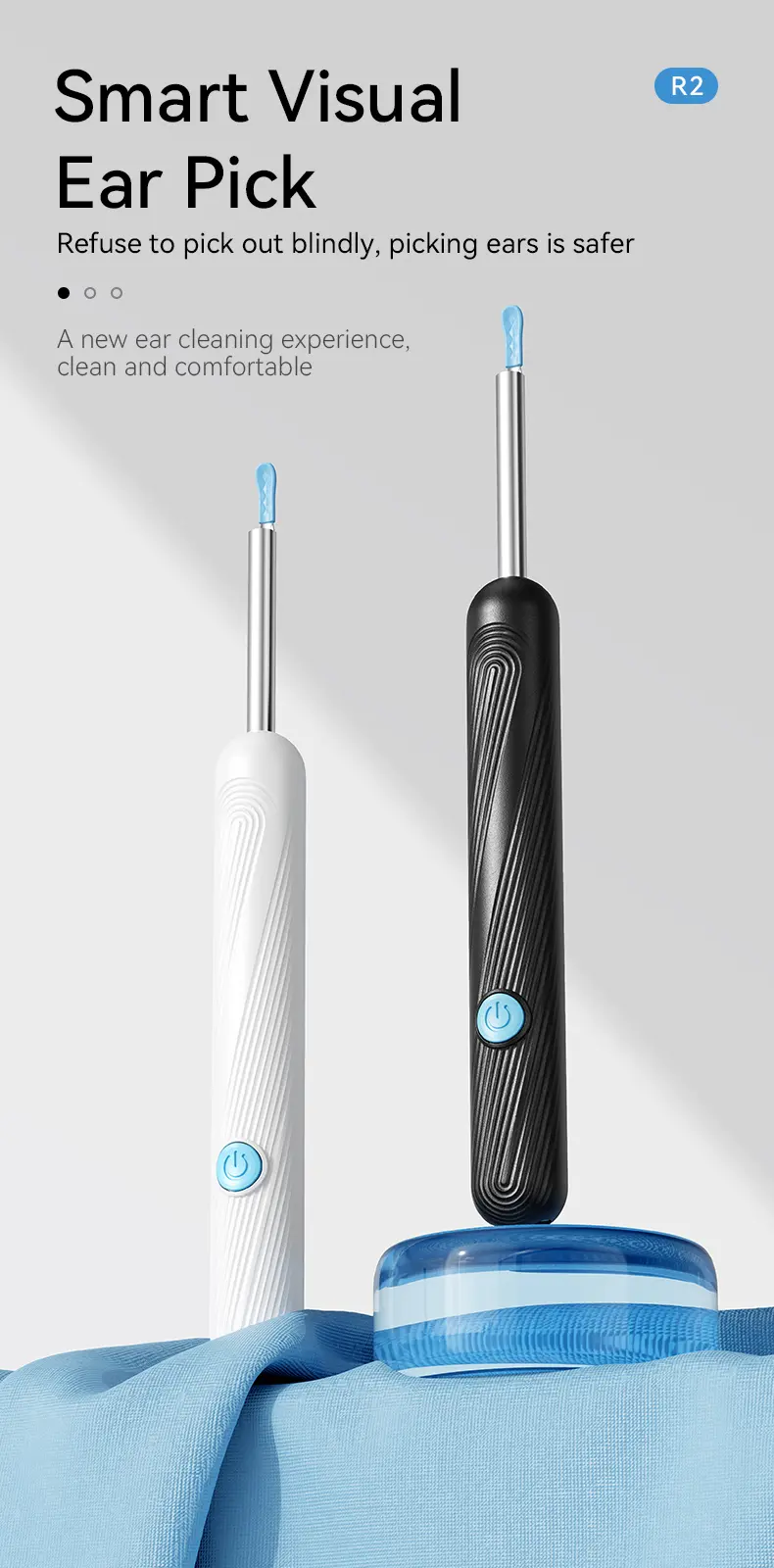
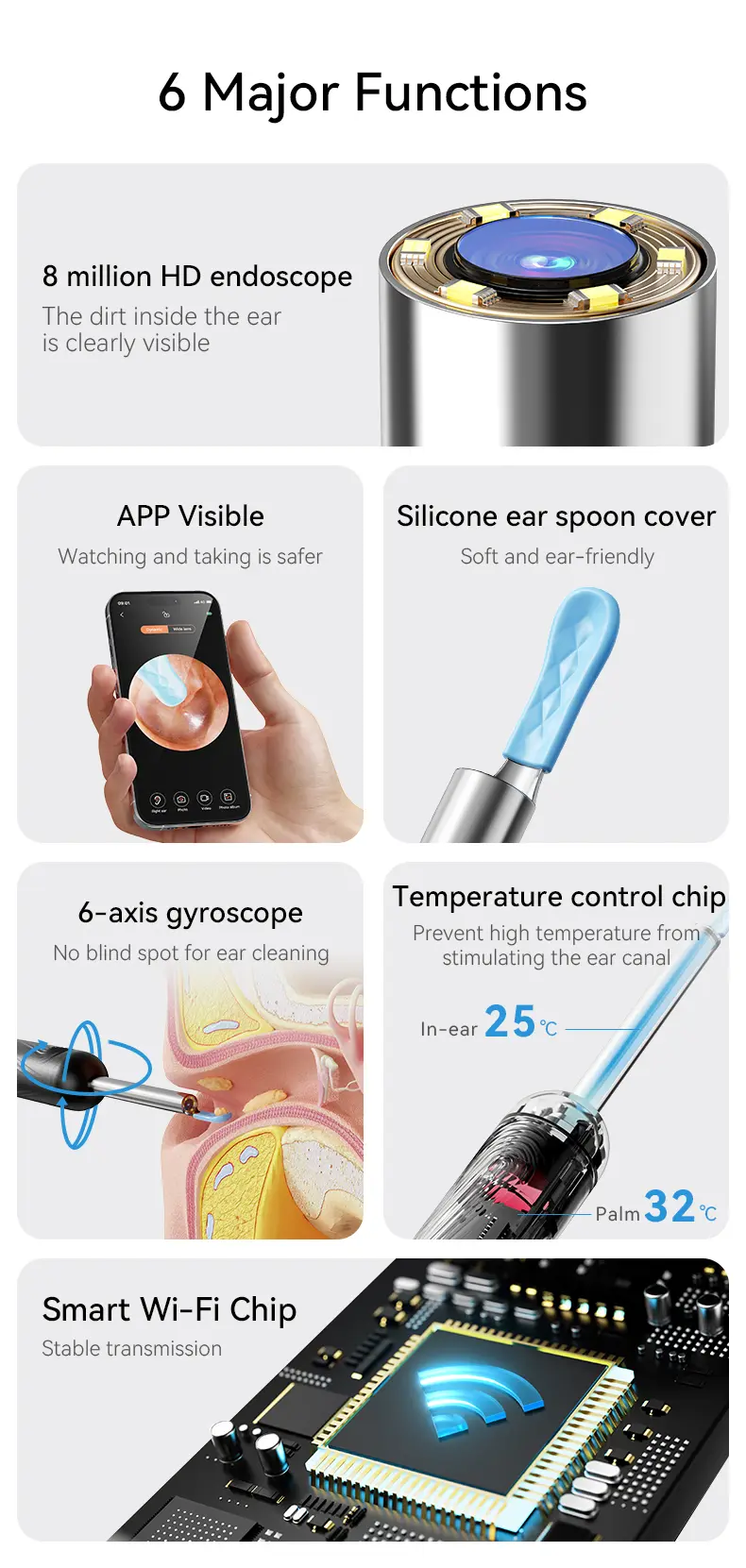
🌟 1080P HD Earwax Removal Tool 🌟
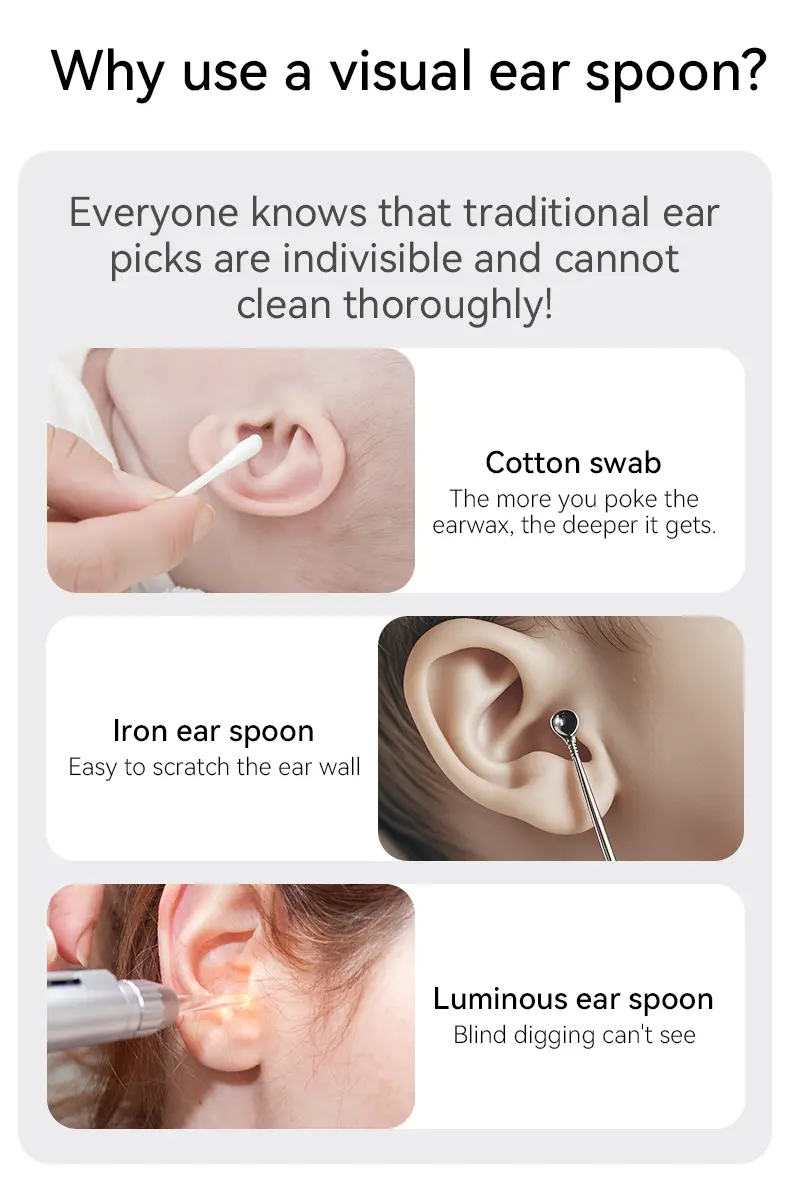
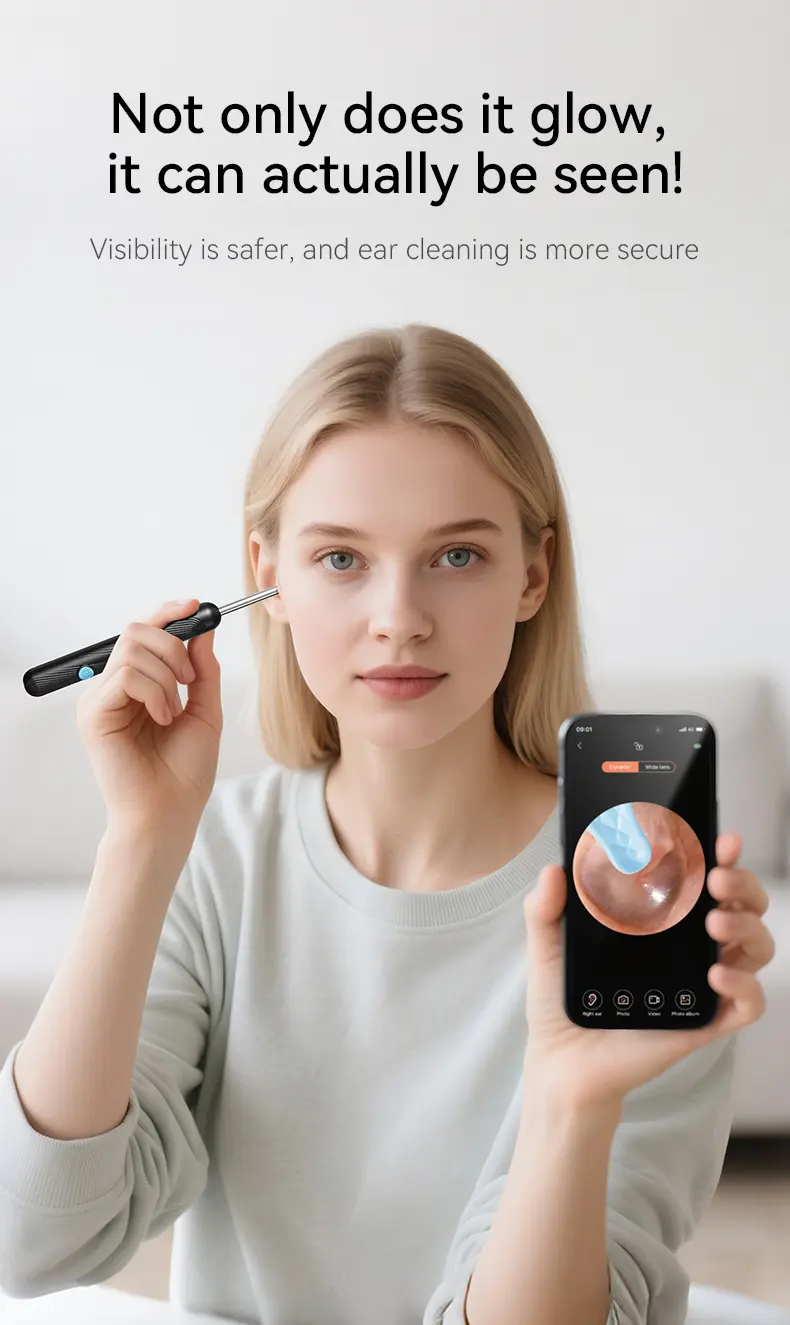
Elevate your ear hygiene with this innovative tool. It includes a built-in HD camera for precise earwax removal. The 6-piece ear spoon set ensures thorough cleaning. Perfect for safe ear care, it's a must-have for maintaining auditory health.
Key Features:
·
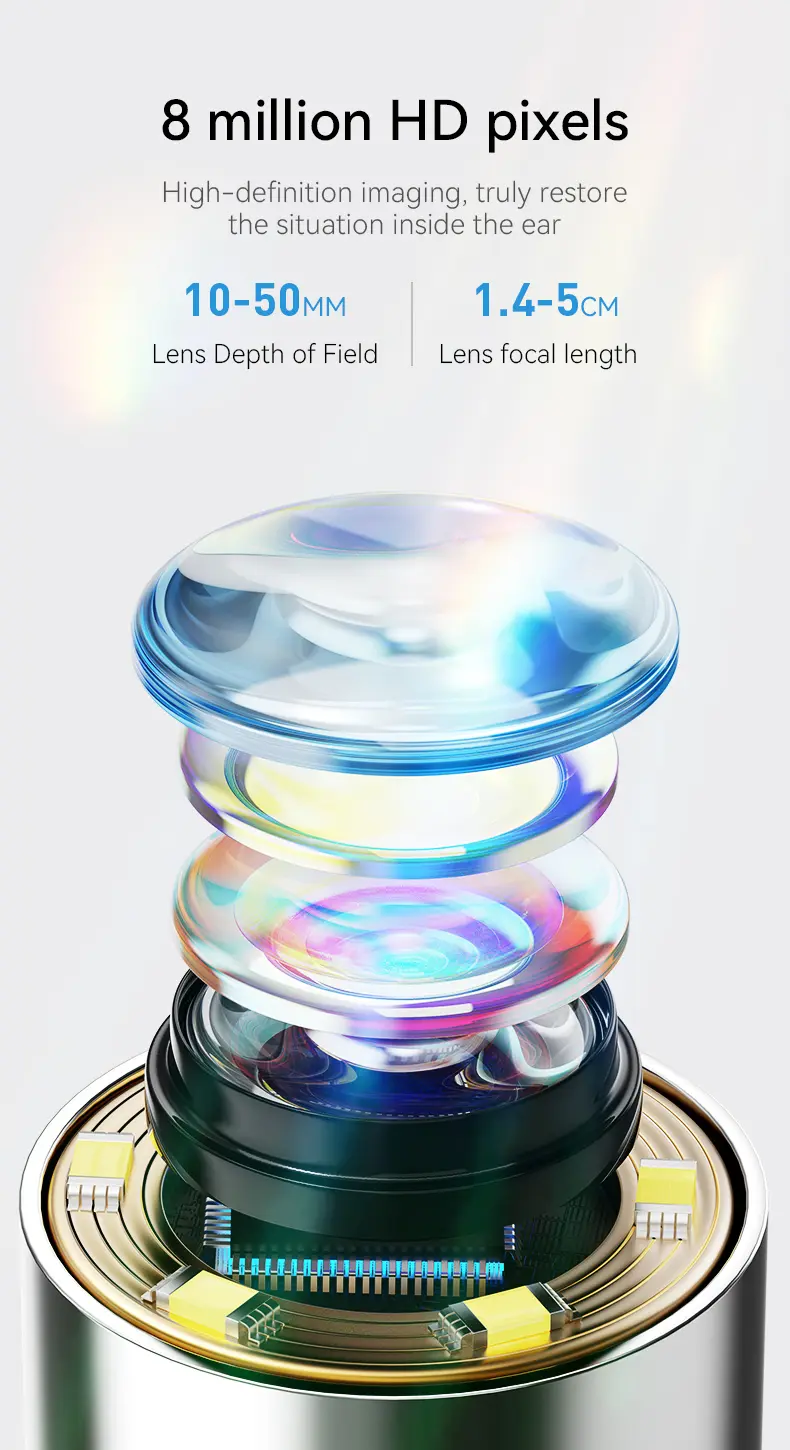
HD Camera: For accurate earwax removal. 📸
·
6 Ear Spoons: Comprehensive cleaning set. 🍴
·
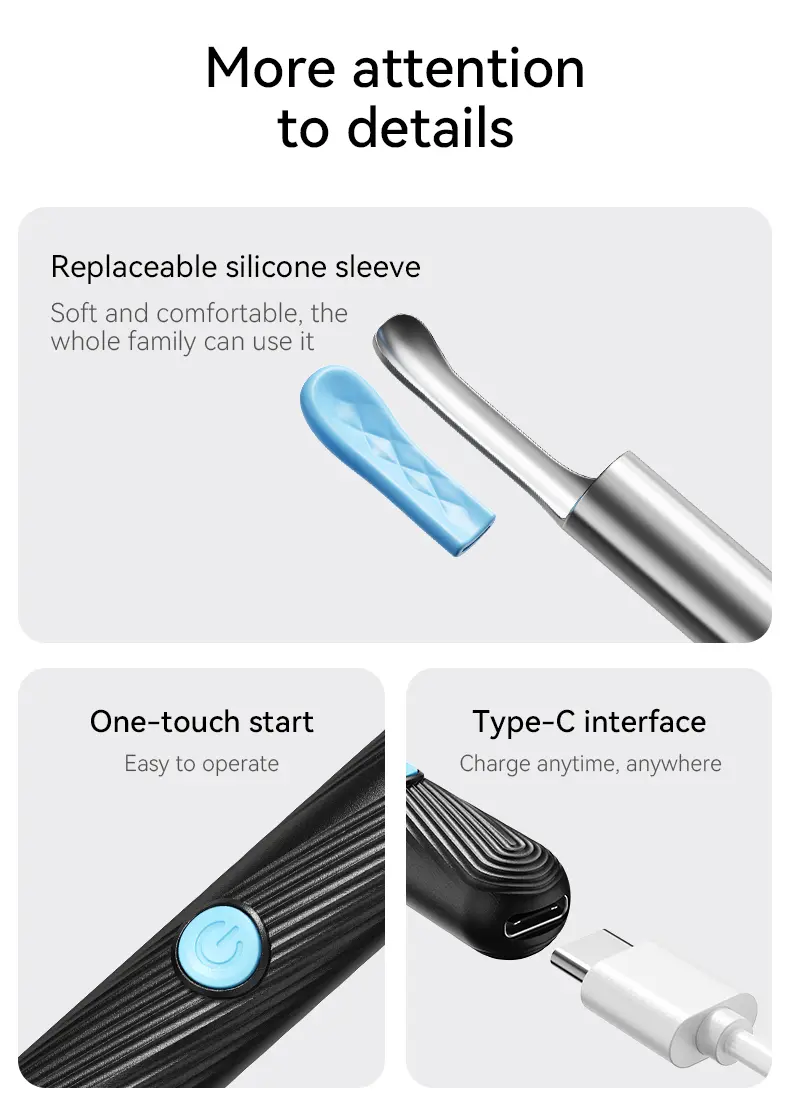
Dual Power: Operates on USB and battery. 🔋
·
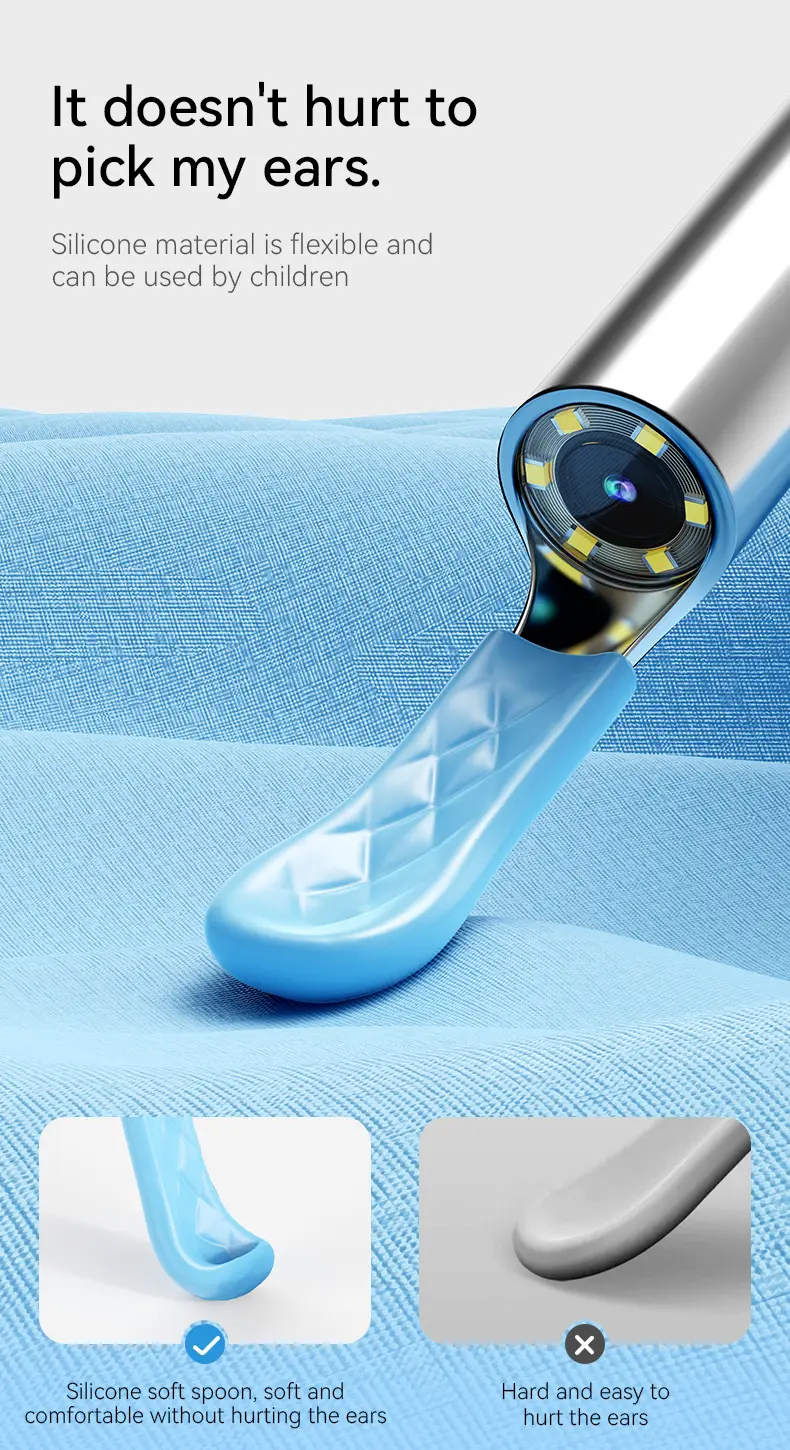
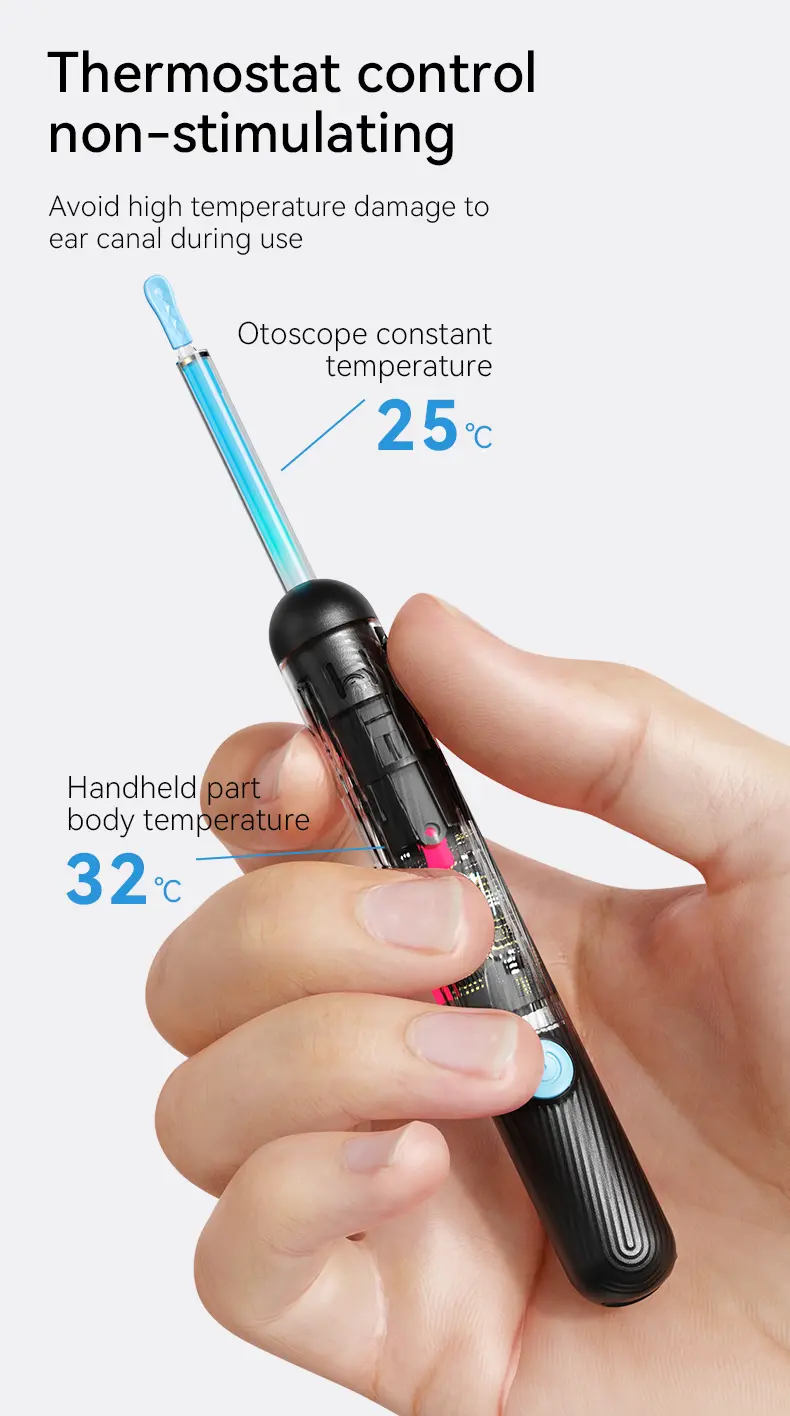
Safe Ear Care: Designed for gentle use. 🌿
How to Connect and Use Your Earwax Removal Tool
WiFi Model – Wireless Connection Setup
1. Download the App
Open the user manual and scan the QR code. On the download page, select the version compatible with your phone and install the app.
2. Allow Permissions
Open the app and allow the requested permissions so your phone can connect to the device.
3. Connect to the Device
·
Turn on the earwax removal tool.
·
Open your phone’s Wi-Fi settings and connect to the Wi-Fi network created by the device.
·
If your phone displays “No Internet Connection,” this is normal. The device’s Wi-Fi is used to connect to your phone, not to access the internet.
·
Tap “Keep Trying WLAN” to stay connected, then return to the app to view the camera feed.
4. Understand the Indicator Lights
·
Flashes once, then turns off: The battery may be depleted. Charge the device before use.
·
Solid red light while charging: The device is charging.
·
Flashing indicator light: The device is waiting to connect to the app.
·
Solid indicator light: The device is connected to the app.
·
Battery below 5%: The app will display a low-battery warning, and the indicator light will flash.
Direct Plug-In Model – Wired Connection Setup
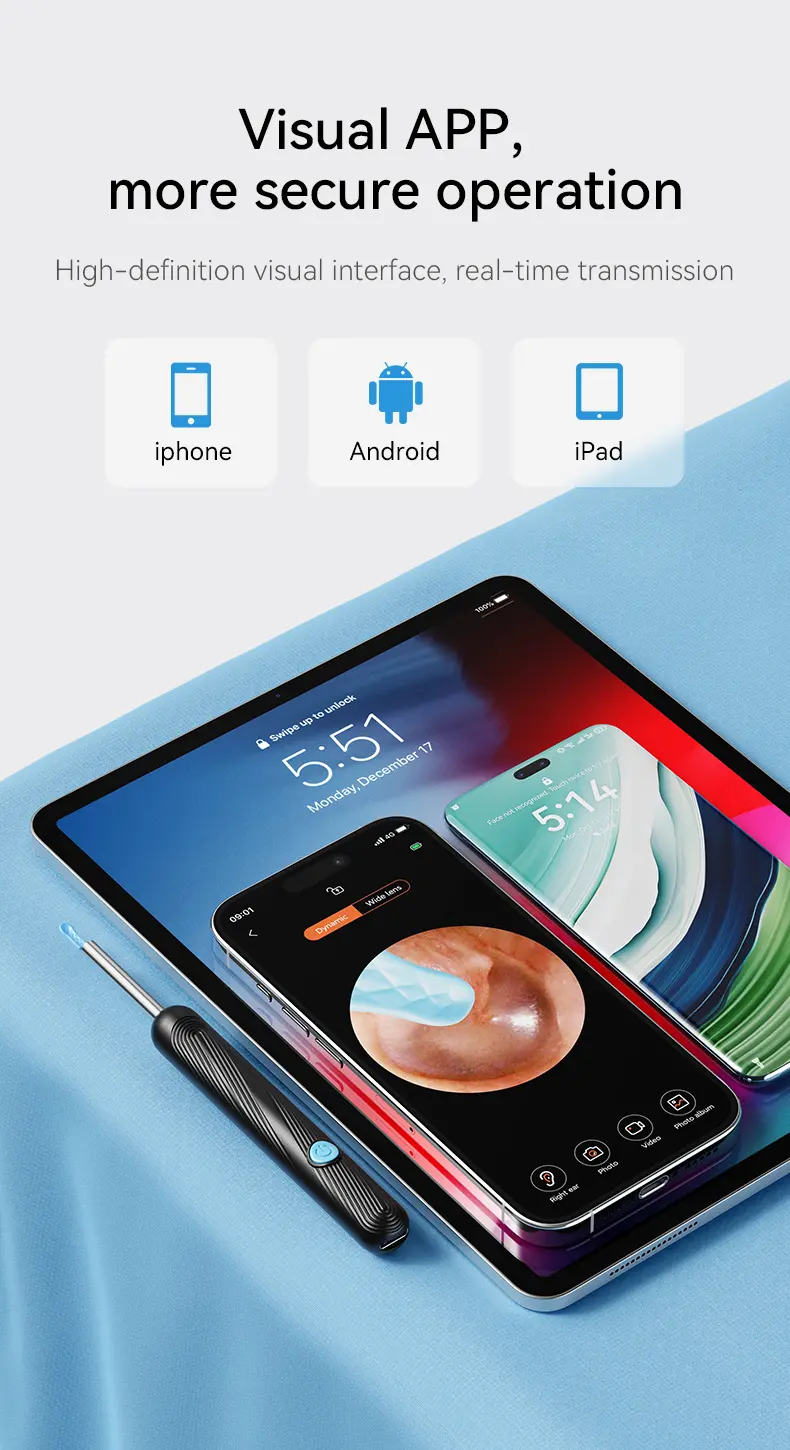
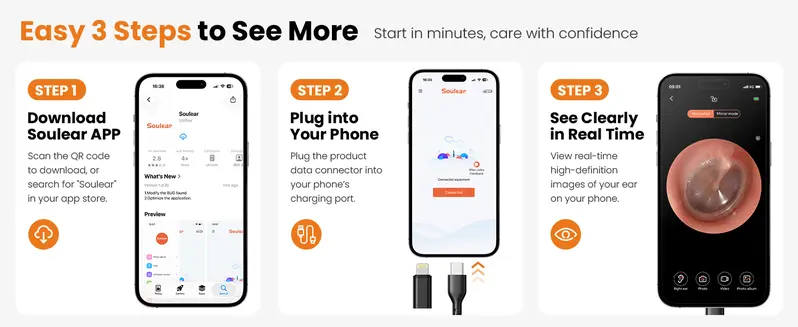
Compatible with Android 7.0+ & iPhone
·
Download the required app by scanning the QR code.
·
Plug the ear cleaner directly into your phone.
·
Open the app to start viewing the live camera feed.

FAQ:
Q: Do I need WiFi or an internet connection to use the device?
A: It depends on your model:
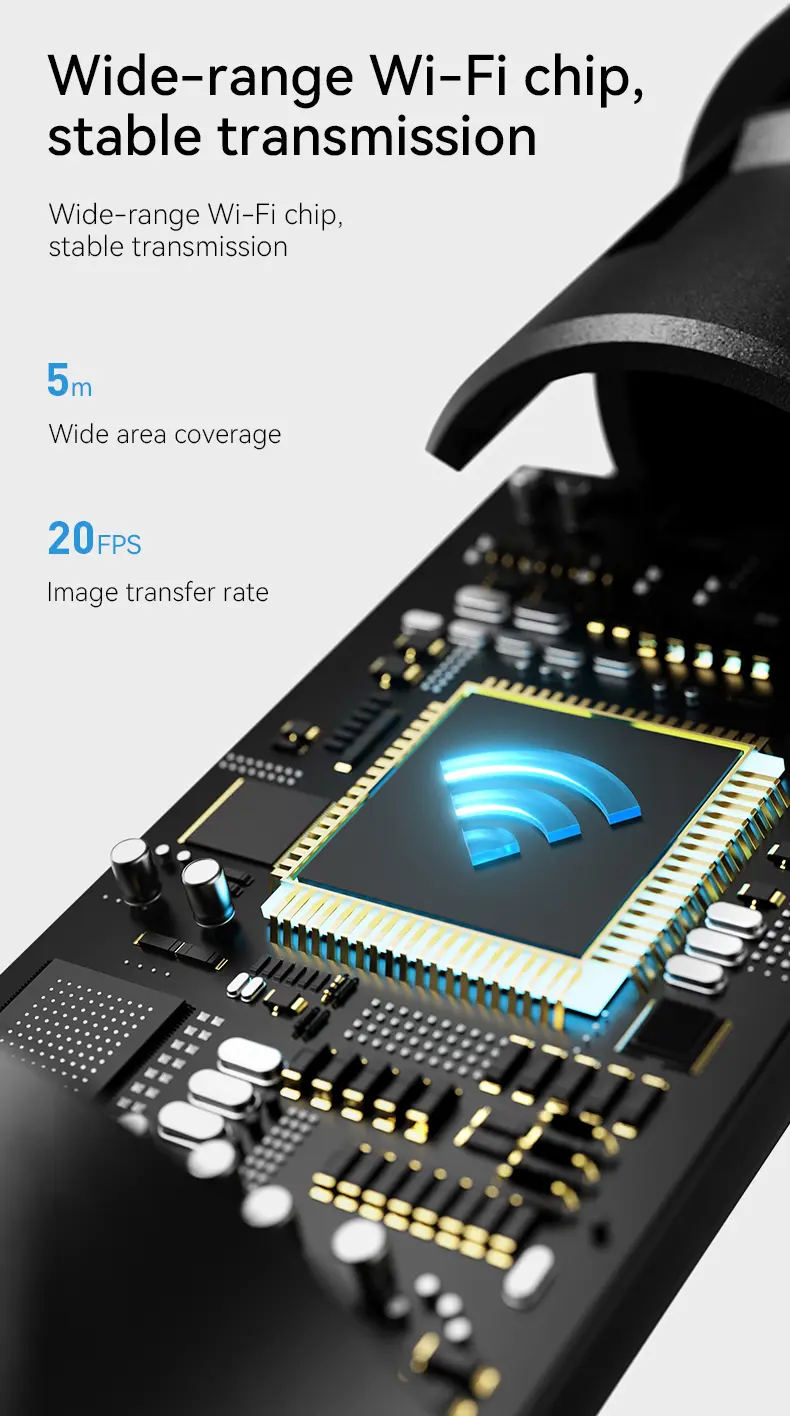
WiFi Model: Connects to your phone through the device's built-in WiFi signal. No external internet connection is required.
Direct Plug-In Model: Connects directly to your phone through a wired connection. No WiFi or Bluetooth connection is needed.
Q: Do both models require an app?
A: Yes! Both models require a companion app to view the live camera feed. Simply scan the QR code in the user manual to download the app.
Q: Is the app free to use?
A: Yes! The app is completely free, with no subscription fees or additional charges.
Q: Which phones are compatible?
A: The Direct Plug-In Model supports compatible Android 7.0+ devices and iPhones. Please check your phone's connector type before purchasing. For the WiFi Model, please refer to the product's compatibility information.
Q: Can I use the ear cleaner for everyday personal care?
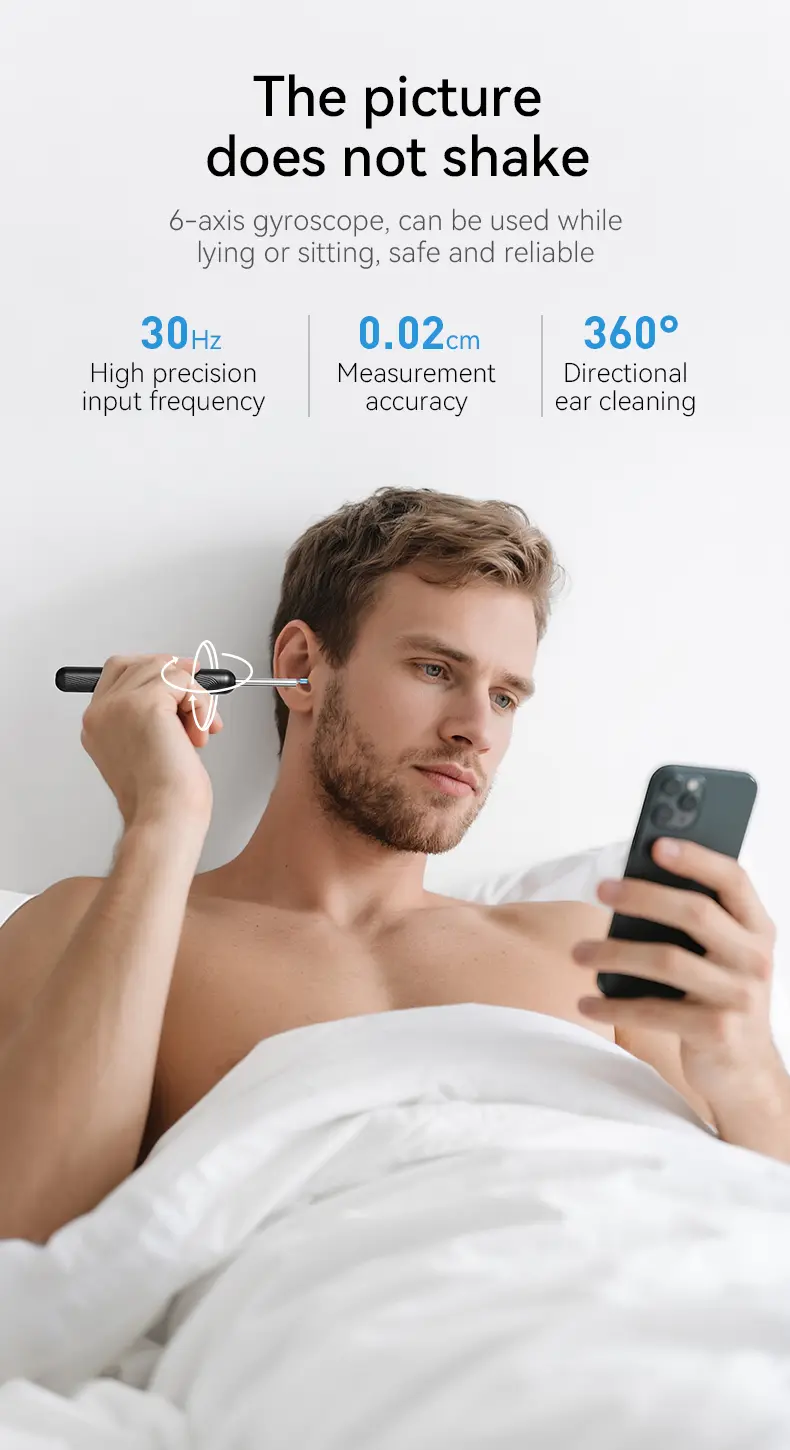
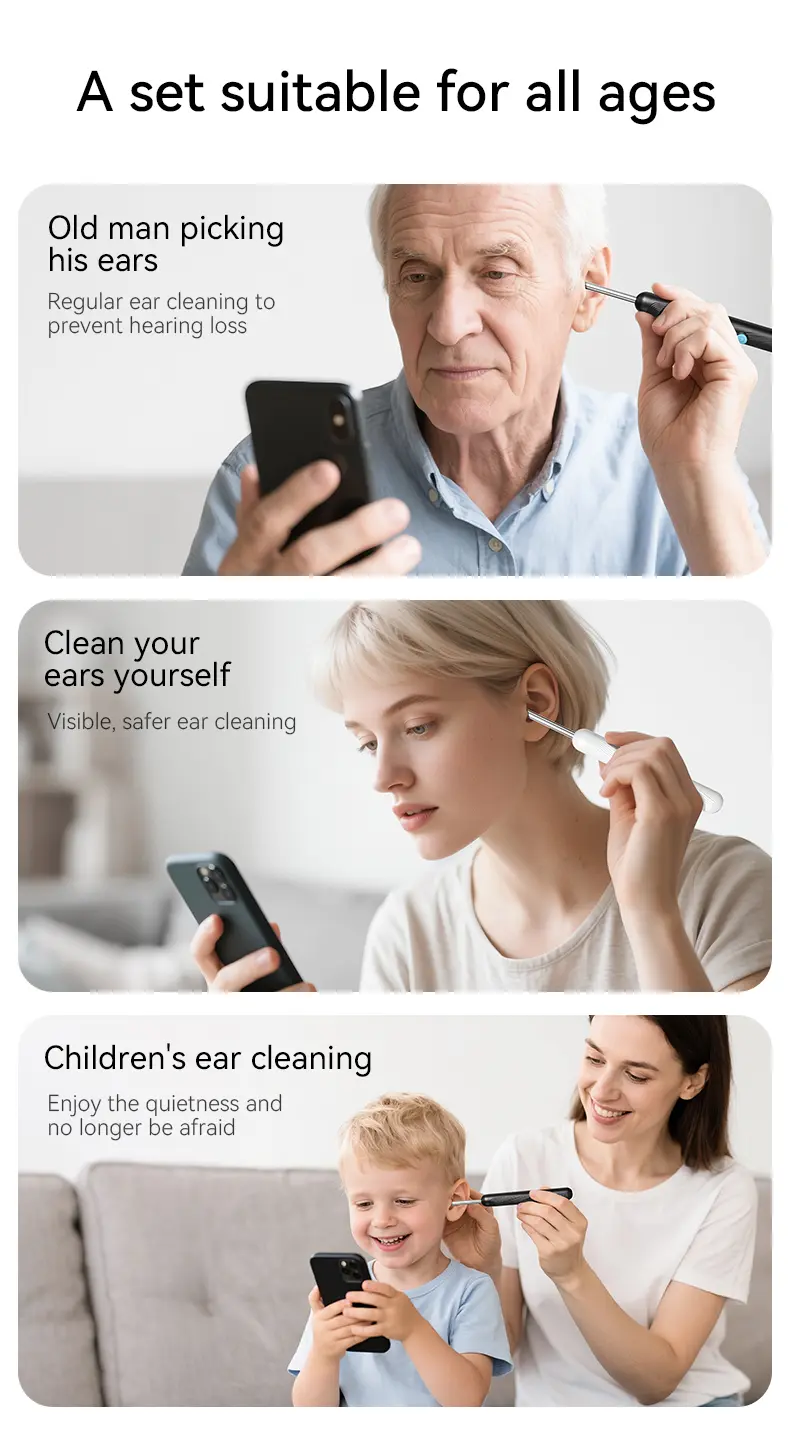
A: The device features soft silicone ear tips designed for gentle use. Always follow the instructions, avoid inserting the tool deeply into the ear canal, and stop using it if you experience discomfort.
Q: What if I have questions or need help?
A: We're happy to help! You can reach our support team through the customer service option on the app's home page or contact us directly through your TikTok Shop order. We're here to assist with setup, connection issues, and product questions!
Customer Support:
If you have any questions or need assistance while using the product, please feel free to contact us. Our support team will be happy to help.
We are committed to providing a better experience and will respond as soon as possible.